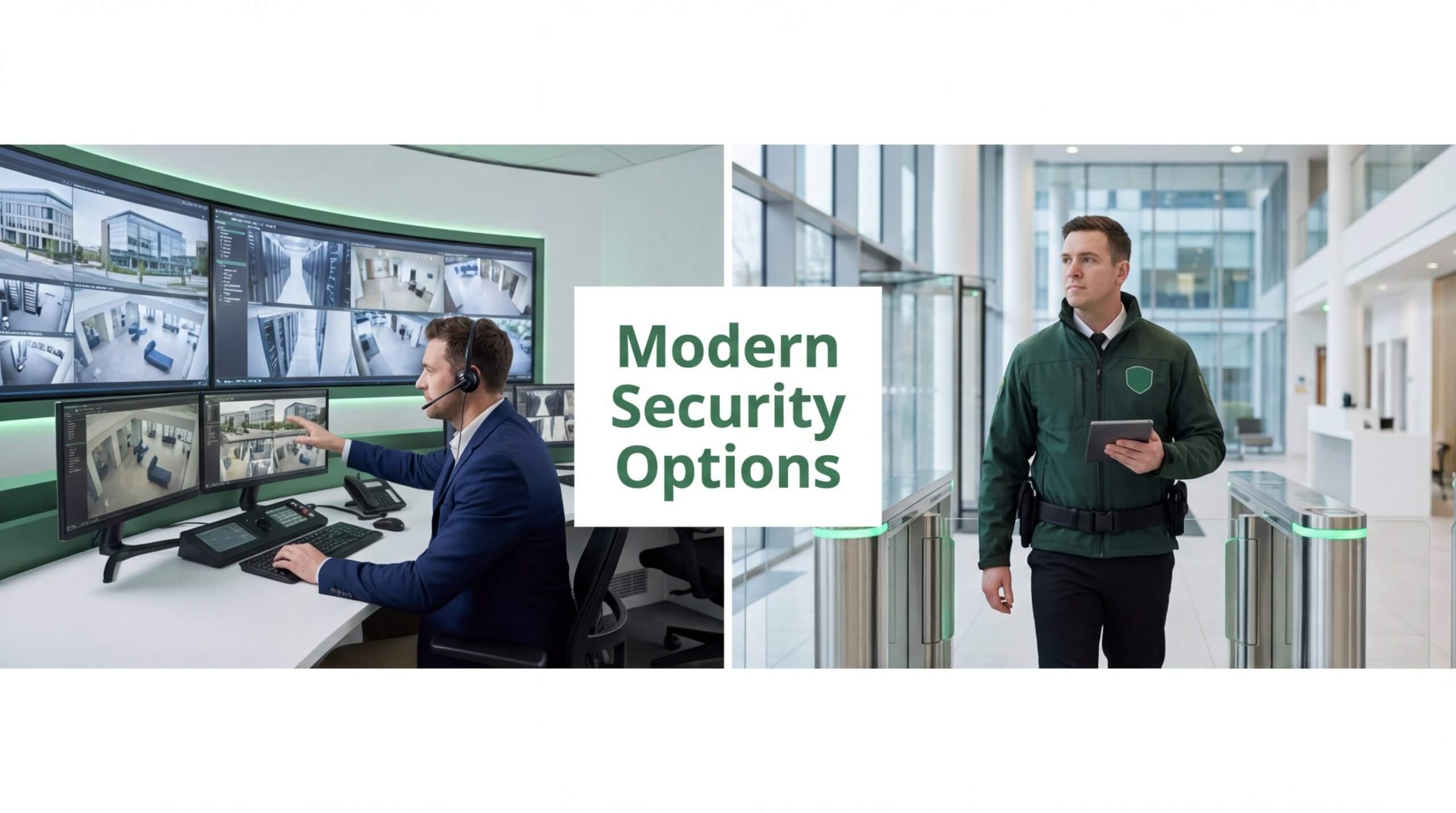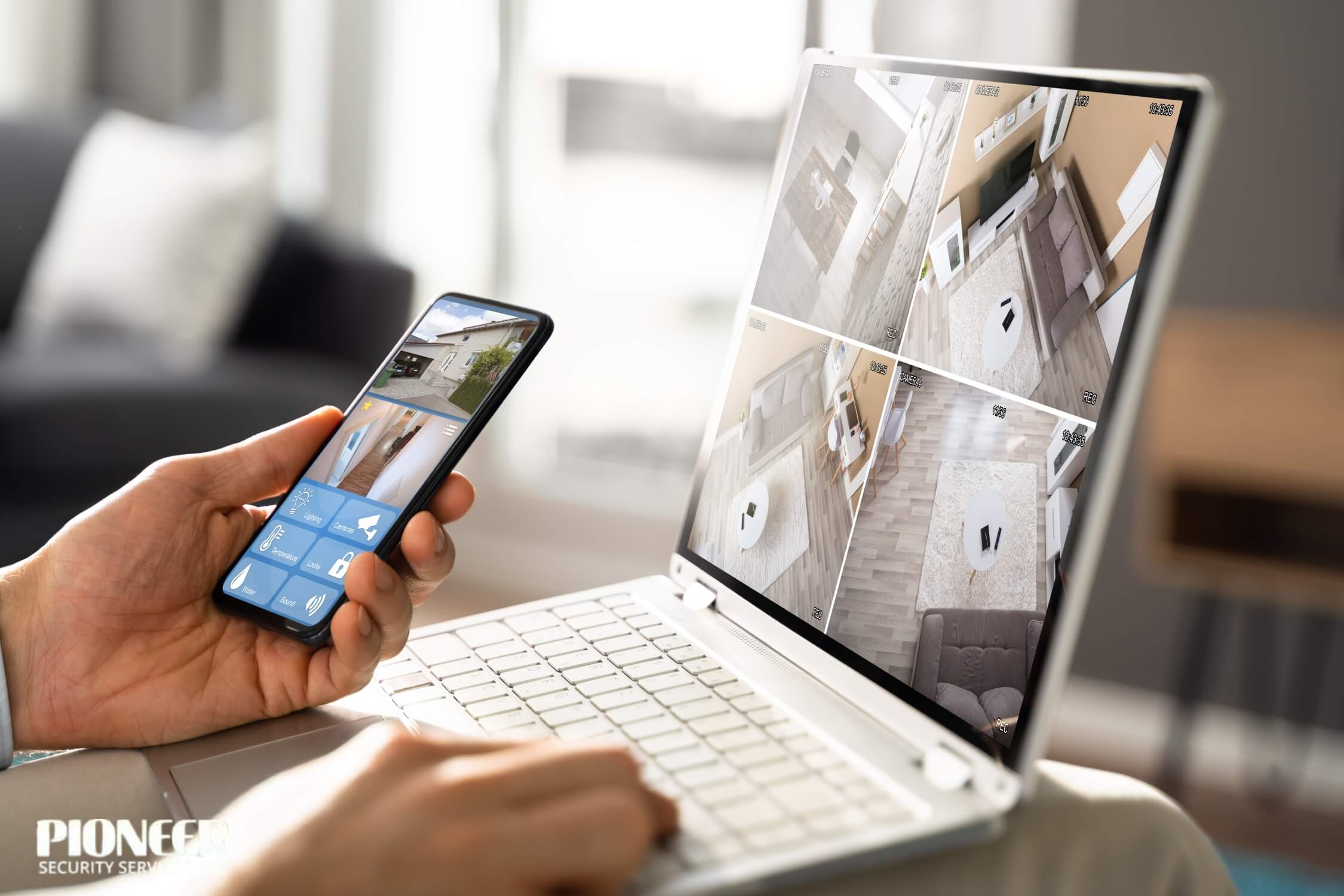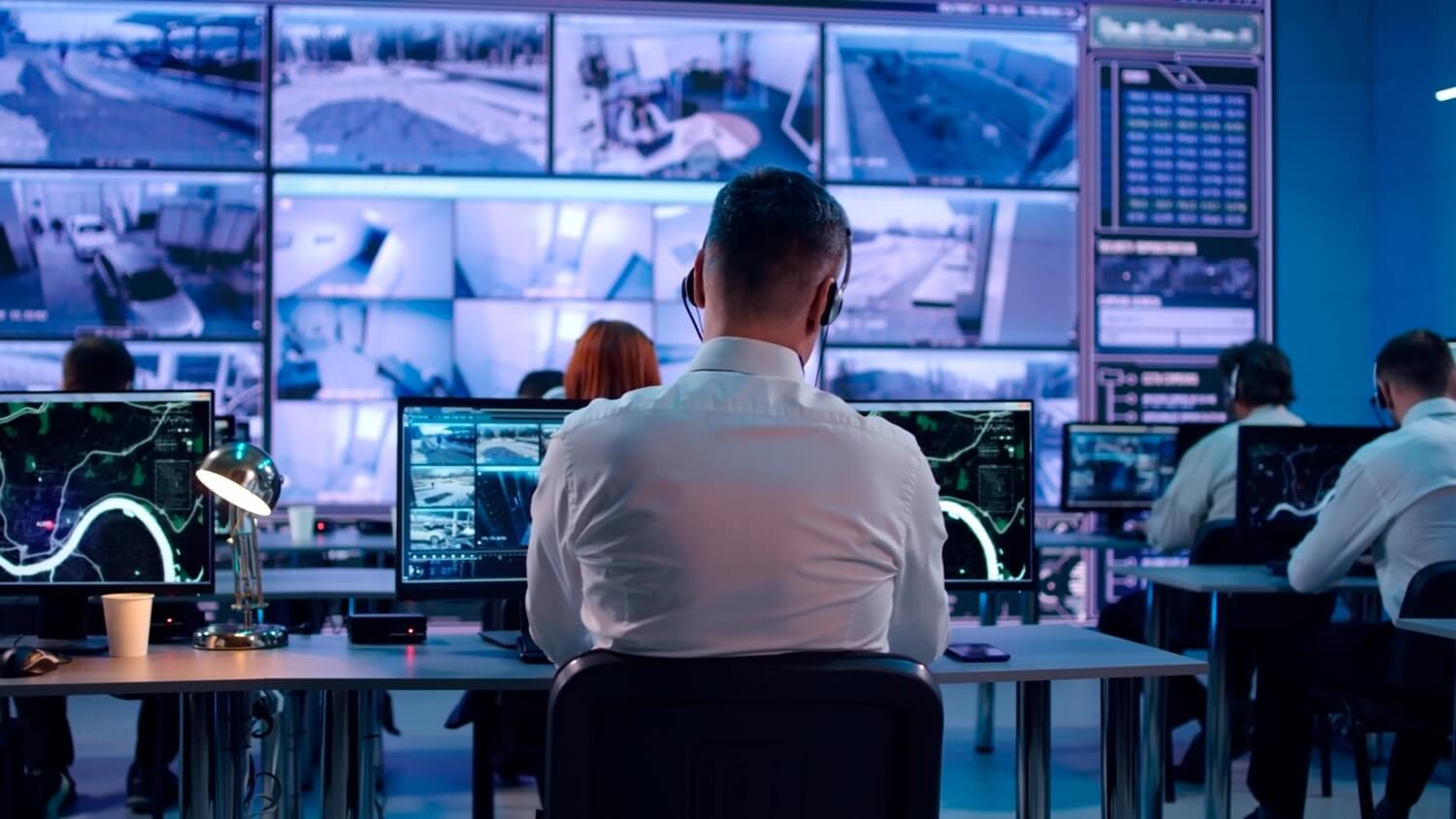
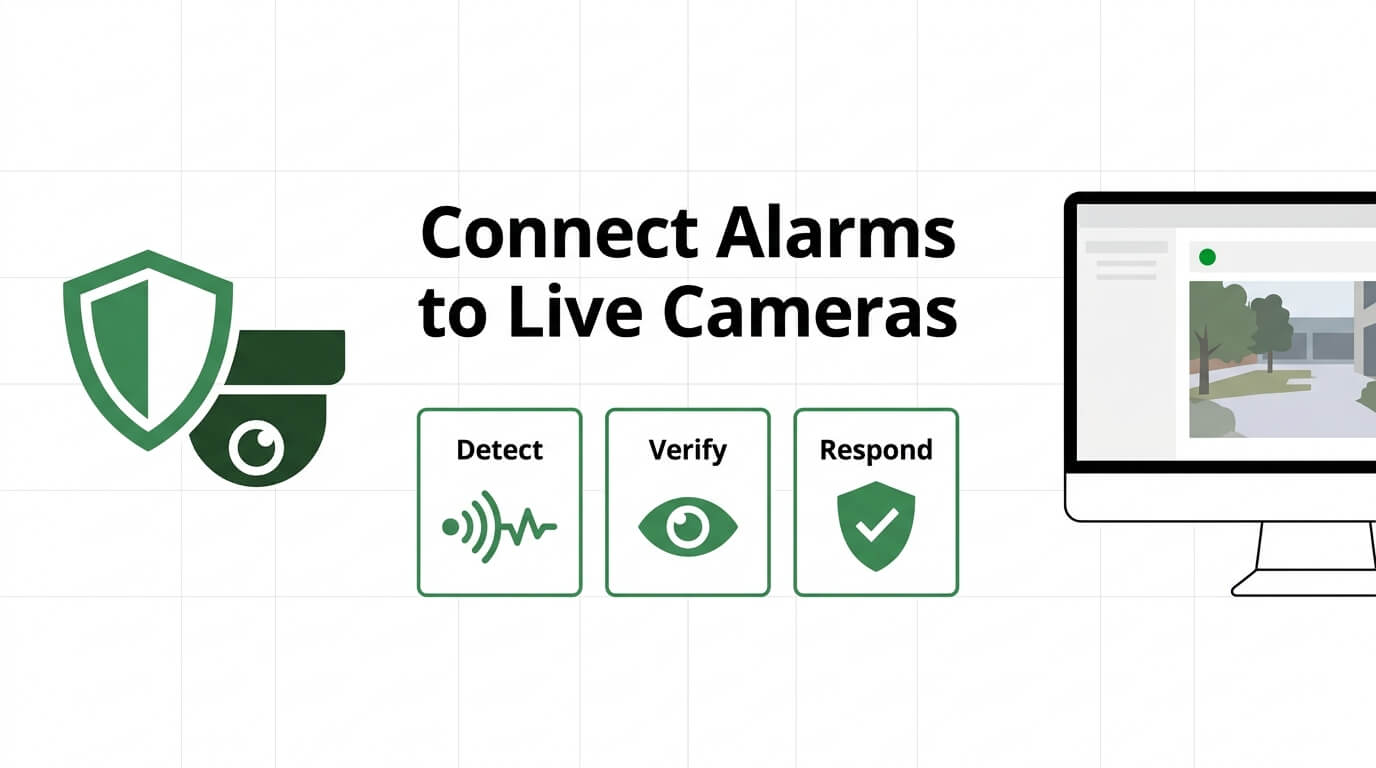
Connecting an existing alarm system to live cameras is the process of linking your current intrusion detection panel to IP video feeds, so sensor events trigger real-time visual verification instead of just audible alerts.
This guide covers alarm system compatibility, required equipment and communication protocols, integration mechanics, cost expectations, common installation mistakes, and AI-powered live video monitoring.
Most alarm types qualify for camera integration. Wired, wireless, hybrid, and legacy POTS-based panels each follow a different upgrade path, but universal communicators and integration modules like bi-directional RS-232 interfaces can bridge nearly any panel to modern IP camera infrastructure.
The equipment and protocol layer determines whether your system communicates reliably. IP-based standards such as SIA DC-09, wireless mesh protocols like Z-Wave and Zigbee, and alarm panel API access each serve a specific role in translating sensor events into camera triggers, recording actions, and monitoring station alerts.
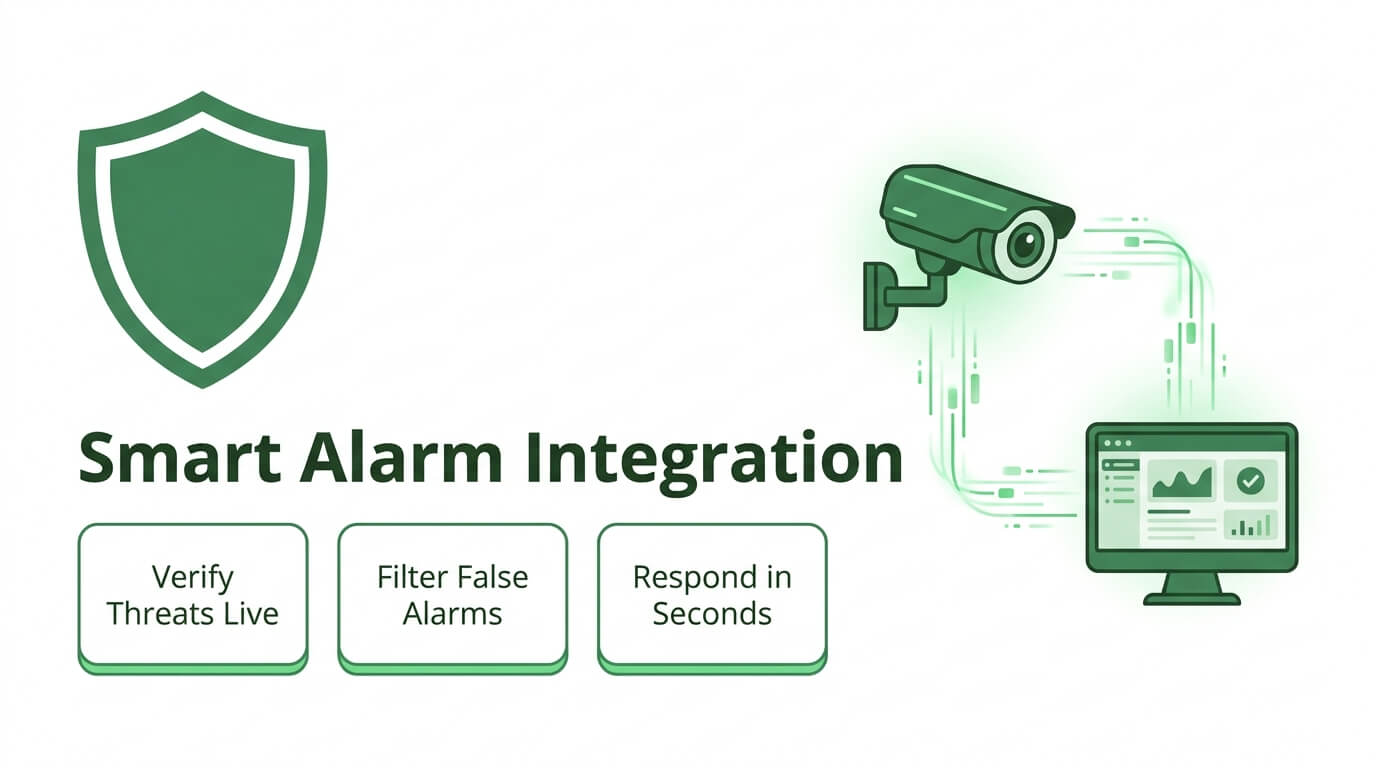
Integration mechanics follow a clear chain: a contact sensor or motion detector trips, the panel sends a coded event to the NVR or cloud platform, and the corresponding camera begins streaming or recording. When routed to a live monitoring station, this chain enables human or AI verification before police dispatch.
Costs range from under $600 for basic wired-to-IP setups to over $3,500 for full wireless smart integrations, with professional monitoring adding $30 to $100 per month. Choosing between DIY and professional installation depends on system complexity, legacy equipment, and local alarm verification ordinances.
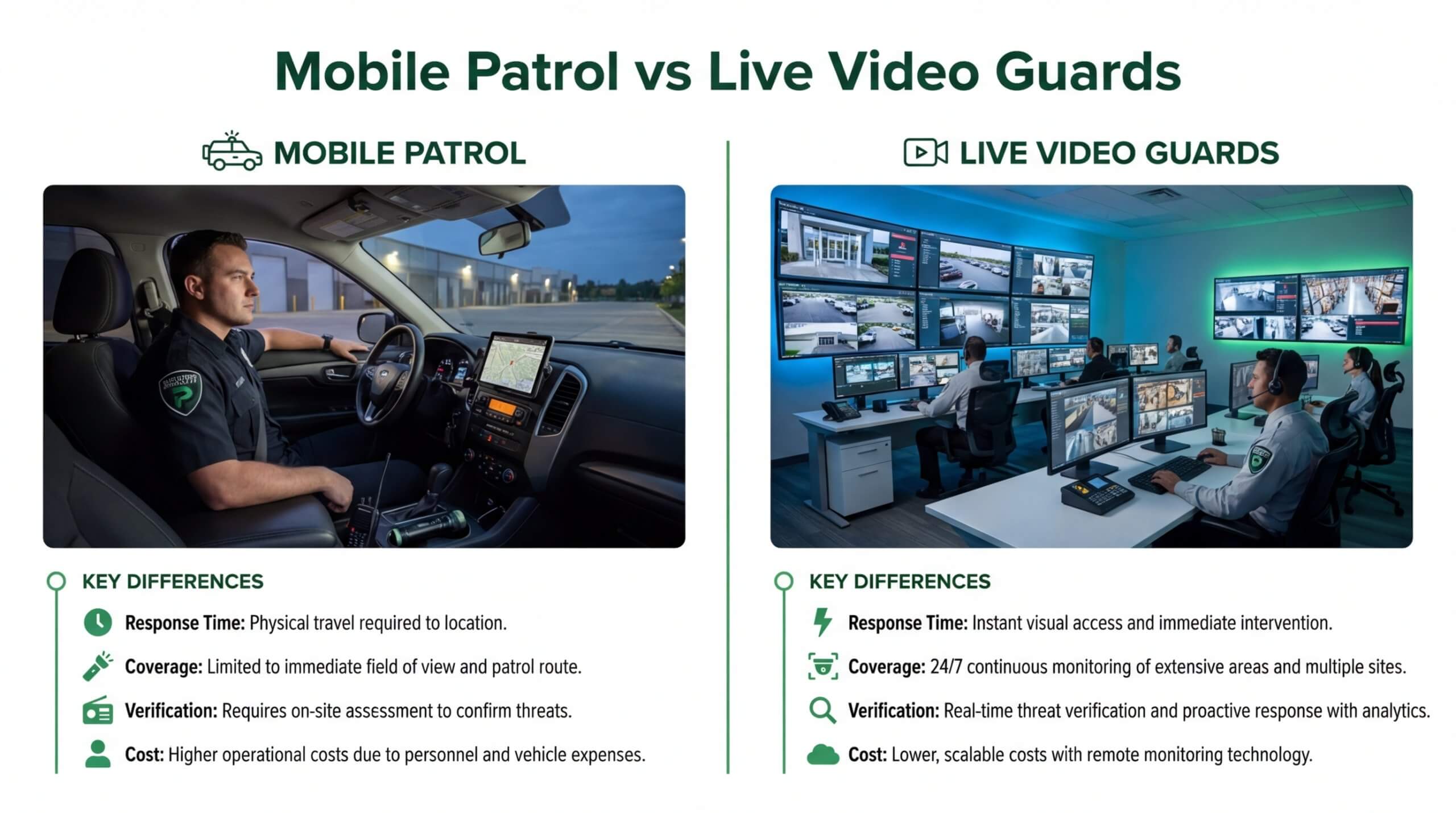
Verified video alarms can reduce police response times by up to 75% compared to unverified signals. AI-powered live video monitoring, including Pioneer Security’s US-based live video guards, adds real-time human judgment to every triggered event, turning a standard alarm panel into a proactive security system.
Why Would You Want to Integrate Your Alarm System with Live Cameras?
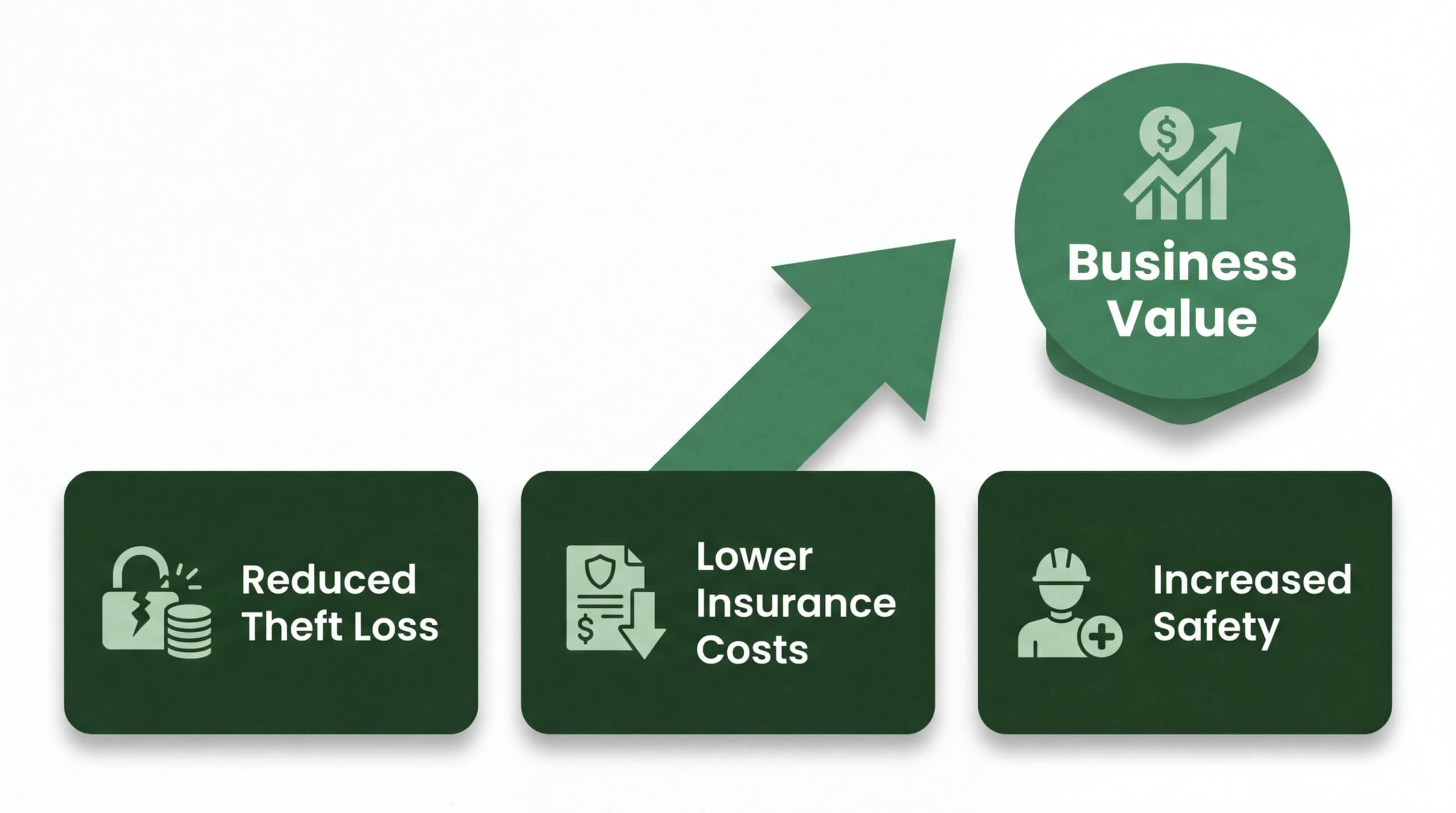
You would want to integrate your alarm system with live cameras because the combination transforms passive detection into verified, actionable security. A standalone alarm signals that something happened; paired cameras show exactly what is happening, enabling faster decisions and more effective response.
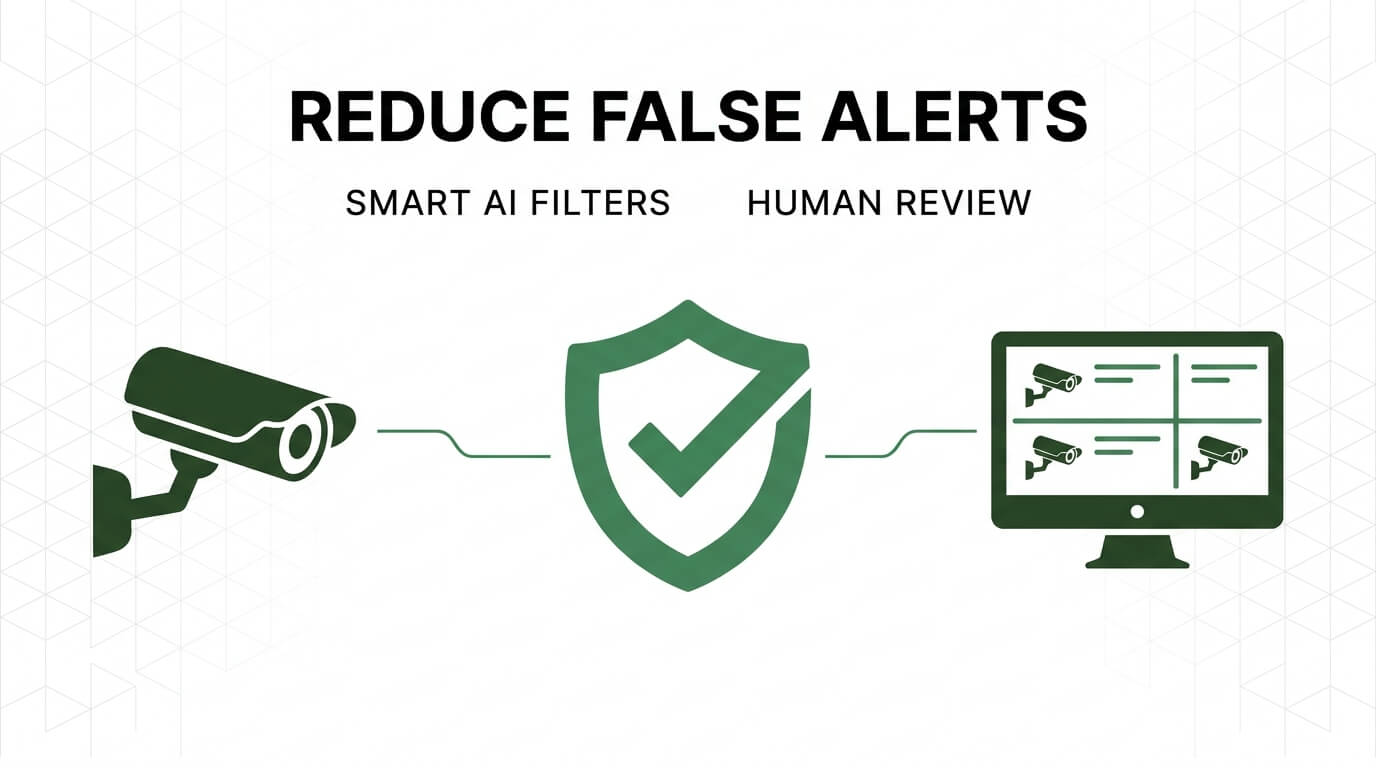
The core problem with alarm-only systems is false alarm volume. According to the Electronic Security Association (ESA), cities that implement comprehensive false alarm reduction plans, including mandatory verification, typically see a 60% reduction in false alarm dispatches. Video integration provides that verification layer, giving monitoring operators or AI agents visual confirmation before triggering dispatch.
Integrated systems deliver several practical advantages over standalone alarms:
- Video verification separates real threats from false triggers, reducing unnecessary police dispatches.
- Live camera feeds give monitoring stations situational awareness, so operators know the nature and location of an intrusion before responders arrive.
- Recorded footage tied to specific alarm events creates stronger evidence for investigations and insurance claims.
- Two-way audio on camera-equipped systems enables real-time verbal intervention, deterring intruders before entry occurs.
- Faster, prioritized police response becomes possible because law enforcement agencies increasingly prioritize verified video alarms over unverified signals.
For property owners already invested in a working alarm panel, adding cameras does not mean starting over. Integration leverages existing sensors and zones while layering visual confirmation on top. This is especially valuable as more municipalities adopt alarm verification ordinances that deprioritize response to unverified calls.
The sections ahead cover which alarm system types support camera integration, the equipment and protocols involved, cost expectations, and how AI-powered live video monitoring takes the combined system further.
What Types of Alarm Systems Can Connect to Live Cameras?
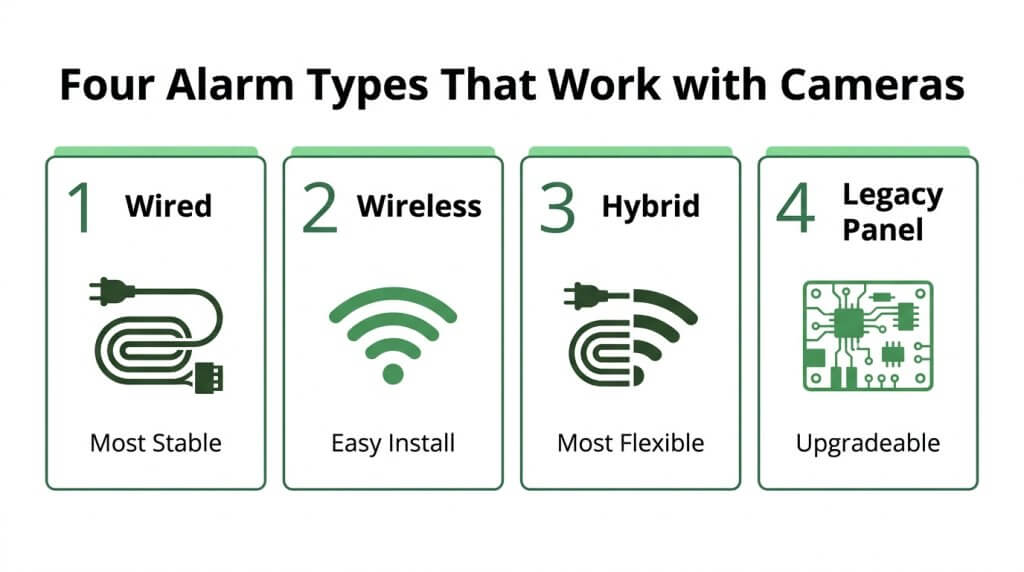
The types of alarm systems that can connect to live cameras include wired hardwired systems, wireless systems, hybrid systems, and older legacy panels. Each type requires a different integration path.
Can a Wired Hardwired Alarm System Connect to Live Cameras?
Yes, a wired hardwired alarm system can connect to live cameras. These systems use physical cabling between sensors and the control panel, which provides a stable foundation for adding IP cameras through the same network infrastructure. Integration typically requires an add-on communication module that bridges the panel’s outputs to an IP-based video platform.
According to Allied Home Security, modern alarm systems fall into four main types: wired, wireless, smart, and hybrid, each suited to different environments. Wired systems remain among the most reliable for camera integration because their dedicated connections minimize signal interference. For properties already running structured cabling, adding cameras to a hardwired panel is often the most straightforward upgrade path.
Can a Wireless Alarm System Connect to Live Cameras?
Yes, a wireless alarm system can connect to live cameras. Wireless panels communicate with sensors over radio frequency or Wi-Fi, and most modern wireless systems support native camera pairing through their companion apps. Systems built on platforms like Alarm.com allow wireless cameras to sync directly with the panel, triggering live feeds when sensors detect activity.
The primary advantage is simplified installation; no new wiring is needed between cameras and the alarm panel. Wi-Fi or cellular-connected cameras pair with the system digitally. However, reliable bandwidth is essential. Without sufficient network capacity, video feeds may lag or drop during alarm events, which undermines the purpose of real-time visual verification.
Can a Hybrid Alarm System Connect to Live Cameras?
Yes, a hybrid alarm system can connect to live cameras. Hybrid systems combine wired sensors with wireless components, giving them built-in flexibility for camera integration. Wired zones handle high-priority entry points while wireless cameras cover areas where running cable is impractical.
This dual architecture makes hybrid panels particularly well suited for properties that have been expanded or renovated over time. The wired backbone ensures core reliability, and the wireless side accepts new cameras without additional cabling. For most commercial and residential properties, a hybrid setup offers the widest range of camera placement options without compromising signal stability.
Can an Older Legacy Panel Connect to Live Cameras?
Yes, an older legacy panel can connect to live cameras. Legacy POTS-based hardwired alarm panels can be upgraded to smart security platforms with universal communicators, enabling integration with video monitoring and remote control. These communicators replace the outdated phone-line connection with cellular or IP communication, allowing the existing panel to interface with modern camera systems.
The key is selecting a communicator compatible with the panel’s brand and model. Once installed, the legacy panel gains access to app-based control, video verification, and cloud connectivity. This approach preserves the investment in existing sensors and wiring while unlocking camera integration that the original system was never designed to support.
With alarm compatibility confirmed, the next step is identifying the specific equipment needed for integration.
What Equipment Do You Need to Connect an Alarm to Live Cameras?
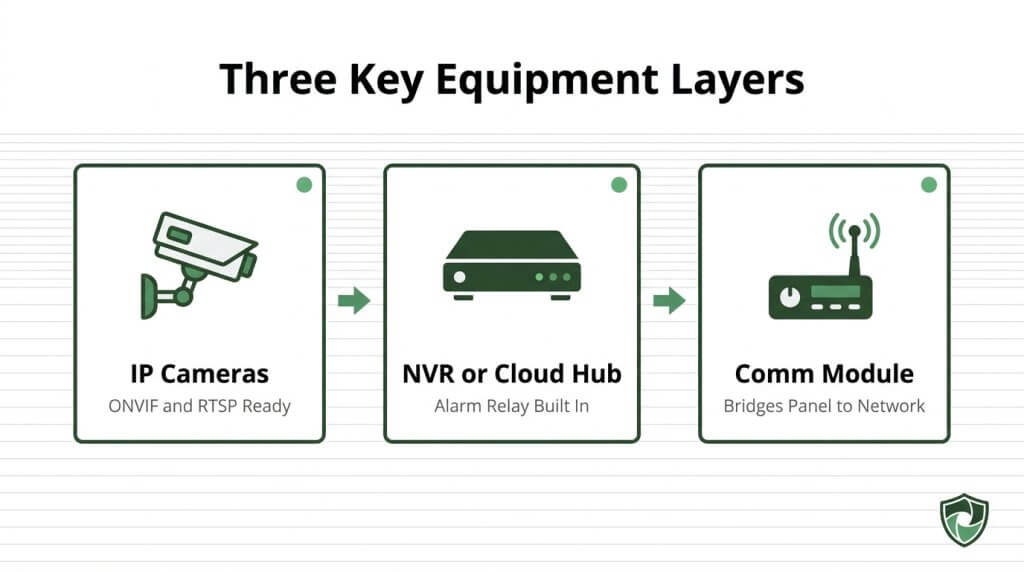
The equipment needed to connect an alarm to live cameras includes compatible camera hardware, an upgraded or integration-ready alarm panel, and communication modules that bridge both systems. Each component plays a specific role.
What Camera Hardware Is Required for Alarm Integration?
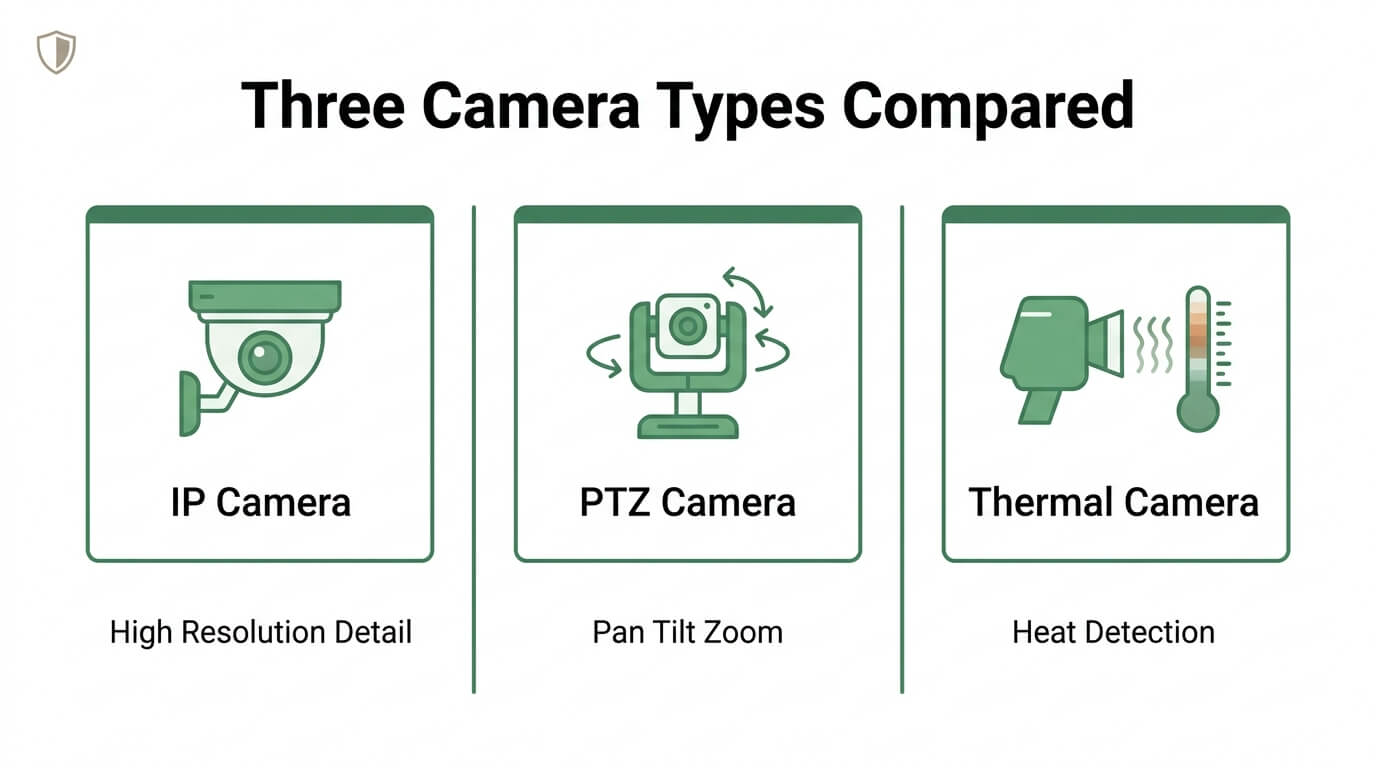
The camera hardware required for alarm integration includes IP cameras with alarm input/output ports, a network video recorder (NVR) with relay capabilities, and PoE switches for reliable power and data delivery. Cameras must support ONVIF profiles or RTSP to ensure interoperability with third-party alarm systems.
An NVR can function as an alarm relay by using the Alarm Out trigger setting to activate external devices, such as strobe lights or sirens, when a sensor trips. This relay capability is what transforms a passive recording system into an active response tool.
One frequently overlooked requirement is selecting cameras that support alarm verification workflows. According to the Security Industry Association, some cities now require alarm verification for police response, a policy designed to manage resource allocation. Choosing hardware that captures verification-quality footage from the start saves costly upgrades later.
What Alarm Panel Upgrades Enable Camera Connectivity?
The alarm panel upgrades that enable camera connectivity include IP-based communication boards, integration modules with RS-232 interfaces, and firmware updates that support modern signaling standards. Older panels relying solely on POTS lines lack the data bandwidth for video event linking.
A bi-directional integration module, such as the DSC IT-100, adds RS-232 connectivity to legacy panels and provides real-time zone status along with virtual keypad functionality for third-party platforms. This type of module turns a standalone intrusion panel into a system that can exchange event data with cameras and monitoring software.
Panel upgrades should also align with current transmission standards. The 2026 revision of the SIA DC-09 standard, an ANSI-approved standard for IP alarm transmission, features enhanced security and simplified deployment. Panels supporting DC-09 communicate natively over IP networks where cameras already operate, eliminating protocol translation bottlenecks.
What Communication Modules Bridge Alarms and Cameras?
Communication modules bridge alarms and cameras by translating signals between the alarm panel’s event bus and the IP network that cameras use. Universal communicators, cellular radio modules, and Ethernet adapters each serve this translation role depending on the existing panel type.
Universal communicators are the most versatile option. They connect to a legacy panel’s keypad bus or serial port and relay alarm events over broadband or cellular to a cloud platform, where camera triggers can be configured. Cellular modules provide a dedicated backup path that keeps alarm-to-camera communication active during internet outages.
For the most reliable integration, pairing a universal communicator with a PoE-powered network switch creates a single, unified IP backbone. Both alarm signals and video streams travel the same network, which reduces latency between an alarm event and the corresponding camera response. With the right communication modules selected, the next step is understanding how these components work together during a live alarm event.
How Does an Alarm-to-Camera Integration Actually Work?
An alarm-to-camera integration works by linking sensor events on your alarm panel to real-time video responses from connected cameras. The subsections below explain how contact sensors trigger feeds, how motion detection syncs across both systems, and how alarm events route to a live monitoring station.
How Do Contact Sensors Trigger Live Camera Feeds?
Contact sensors trigger live camera feeds through alarm input/output wiring or IP-based event rules that tell a specific camera to begin recording or streaming the moment a sensor changes state. When a door or window contact breaks its magnetic circuit, the alarm panel registers a zone fault. That fault signal passes to the NVR or camera system. According to CCTV Camera World, the camera or NVR can function as an alarm relay by using the Alarm Out trigger setting to activate external devices when the alarm input is triggered. This relay capability means the same event that sounds a siren can simultaneously pull up a live view, start high-resolution recording, and send a push notification to the property owner’s phone.
How Does Motion Detection Sync Between Alarms and Cameras?
Motion detection syncs between alarms and cameras by sharing event data so both systems respond to the same trigger simultaneously. A PIR motion detector on the alarm side senses infrared heat changes, while camera-based analytics detect pixel movement in the field of view. When these two inputs are mapped through a shared integration platform or NVR event rules, a single motion event can activate alarm escalation and video recording at once. Dual-verification, where both the PIR sensor and video analytics must confirm movement, reduces false triggers significantly. This layered approach is particularly valuable for commercial properties where environmental factors like wind or wildlife frequently cause standalone sensors to fire without an actual threat.
How Do Alarm Events Route to a Live Monitoring Station?
Alarm events route to a live monitoring station through encrypted IP communication paths that transmit signal data from the alarm panel to a central station receiver within seconds. The panel sends a coded message identifying the zone, event type, and account. UL 827, as established by Underwriters Laboratories, defines the criteria for central station alarm services, focusing on the reliability, performance, and communication protocols that ensure alarm signals transmit and receive accurately and promptly. Once the signal arrives, operators pull the corresponding camera feed to verify the threat visually before dispatching emergency services. This verification step is what separates a basic alarm from a truly integrated system, and it represents the single greatest upgrade a property owner can make to reduce wasted police responses.
With integration mechanics understood, the next question is whether your existing sensors can stay in place.
Can You Keep Your Existing Alarm Sensors When Adding Cameras?
Yes, you can keep your existing alarm sensors when adding cameras in most cases. Door and window contact sensors, glass-break detectors, and motion sensors typically remain fully functional during a camera integration. The key requirement is a compatible communication bridge between the alarm panel and the new camera system.
Rather than replacing sensors that already work, the integration process focuses on layering video capability on top of your current detection network. A universal communicator or integration module connects the existing panel’s zone outputs to IP camera infrastructure, allowing each sensor event to trigger a corresponding camera feed.
This approach preserves the investment in hardwired or wireless sensors already installed throughout the property. For most systems, only the communication path needs upgrading, not the sensors themselves. According to the Security Industry Association, legacy POTS-based hardwired alarm panels can be upgraded to smart security platforms with universal communicators, enabling integration with video monitoring and remote control.
The sensors continue to do what they were designed to do: detect intrusion events. Cameras then add a visual verification layer that transforms a basic alarm signal into actionable intelligence. When a contact sensor on a back door triggers, the paired camera immediately captures footage of that entry point, giving monitoring personnel real context instead of just a zone number on a screen.
One consideration worth noting is sensor age and condition. While compatibility is rarely the issue, sensors that have degraded over years of use may produce unreliable triggers. Before investing in camera integration, testing each sensor’s responsiveness ensures the combined system performs as intended. Understanding the specific protocols your sensors and cameras use determines how seamlessly they communicate.
What Protocols and Standards Allow Alarms to Talk to Cameras?
Protocols and standards that allow alarms to talk to cameras include IP-based communication, wireless mesh protocols like Z-Wave and Zigbee, and alarm panel API access. Each enables a different method of data exchange between intrusion panels and video systems.
What Is the Role of IP-Based Communication in Integration?
The role of IP-based communication in integration is to provide a shared network layer where alarm panels and IP cameras exchange data in real time. When both devices operate on the same TCP/IP network, alarm events can trigger camera actions, such as recording, PTZ repositioning, or live feed activation, without proprietary adapters.
ONVIF profiles standardize how IP cameras, video recorders, and software communicate, while RTSP handles raw video transport for recording and analysis, according to Coram.ai. The SIA DC-09 2026 standard further solidifies this framework as the globally recognized, ANSI-approved protocol for open and interoperable IP alarm transmission.
For most integration projects, IP-based communication is the most reliable foundation because it eliminates legacy wiring bottlenecks and supports bidirectional data flow between modern alarm panels and camera systems.
What Is the Role of Z-Wave or Zigbee in Integration?
The role of Z-Wave or Zigbee in integration is to connect wireless alarm sensors, smart locks, and automation devices into a unified mesh network that can coordinate with camera systems. Both are low-power wireless protocols designed for short-range device communication within a security ecosystem.
Z-Wave operates on sub-GHz frequencies, which reduces Wi-Fi interference, while Zigbee uses the 2.4 GHz band and supports larger device meshes. Smart alarm panels compatible with either protocol can relay sensor triggers to a central hub, which then sends commands to IP cameras or an NVR for event-based recording.
These protocols work best as the “last mile” connection between sensors and the alarm panel, while IP handles the heavier video transport between cameras and monitoring platforms.
What Is the Role of Alarm Panel API Access in Integration?
The role of alarm panel API access in integration is to allow third-party software, cameras, and monitoring platforms to read alarm states and send commands directly to the panel. API access transforms a closed alarm system into a programmable node within a larger security network.
Integration of existing alarm panels with live video often requires a bidirectional RS-232 interface, such as the DSC IT-100, which provides real-time zone status and virtual keypad functionality for third-party systems, according to Digital Security Controls. Modern panels increasingly offer REST or cloud-based APIs that simplify this connection without dedicated hardware modules.
Without API access, alarm-to-camera integration depends on workarounds like relay contacts or IFTTT-style triggers, which limit responsiveness and depth of control. Understanding which integration pathway fits your setup helps determine whether a DIY approach or professional installation makes more sense.
Should You DIY the Integration or Hire a Professional?
Whether you should DIY the integration or hire a professional depends on system complexity, technical skill, and long-term reliability needs. Simple wireless setups suit experienced DIYers, while hardwired or legacy panel integrations typically demand professional expertise.
DIY integration works best for plug-and-play wireless cameras paired with smart alarm panels that already support app-based connectivity. If your system uses straightforward Wi-Fi cameras and a modern control hub, the pairing process often involves following in-app prompts without specialized tools.
Professional installation becomes necessary when the project involves running cable, configuring RS-232 interfaces, programming alarm panel zones to trigger specific camera feeds, or ensuring compliance with local alarm verification ordinances. Mistakes in wiring or protocol configuration can leave gaps where alarm events fail to trigger video recording, creating a false sense of security.
According to Fluent Home, while DIY systems may have lower initial costs, they often lack ongoing support and require self-replacement and upgrades; professionally monitored systems typically bundle 24/7 monitoring, cellular backup, and customer support, often balancing long-term costs with potential insurance discounts.
Key factors that favor professional installation include:
- Legacy hardwired panels requiring universal communicator upgrades or integration modules.
- Multi-camera systems needing proper PoE wiring and NVR configuration.
- Properties subject to local ordinances mandating alarm verification for police dispatch.
- Businesses requiring UL 827-compliant central station monitoring connections.
For most homeowners connecting a modern alarm to one or two wireless cameras, a DIY approach saves money upfront. However, for anything involving older equipment, multiple zones, or verified video monitoring, the cost of professional installation pays for itself through reliable performance and fewer false alarms. Understanding your integration costs helps you budget for the right approach.
How Much Does It Cost to Connect an Alarm System to Live Cameras?
The cost to connect an alarm system to live cameras ranges from under $600 for basic setups to over $2,000 for full smart integrations, plus optional monthly monitoring fees. The following sections break down pricing for wired-to-IP installations, wireless smart systems, and professional monitoring packages.
How Much Does a Basic Wired-to-IP Camera Integration Cost?
A basic wired-to-IP camera integration costs between $591 and $2,040 on average for professional installation. According to a 2026 Angi pricing guide, labor costs typically run $80 to $200 per camera depending on complexity, with total project cost scaling based on the number of cameras and wiring requirements.
Additional expenses include:
- An integration module or RS-232 interface to bridge the existing alarm panel to IP cameras.
- Network switches and cabling for PoE camera connectivity.
- An NVR or cloud storage subscription for video recording.
For properties with existing wiring infrastructure, the lower end of this range is realistic. New conduit runs or panel upgrades push costs toward the higher end.
How Much Does a Full Wireless Smart Integration Cost?
A full wireless smart integration costs approximately $1,000 to $3,500 for equipment and installation combined. Wireless systems eliminate conduit and cabling labor, but the cameras, smart hub, and communication modules carry higher per-unit hardware prices than basic wired equivalents.
Key cost components include:
- Wireless IP cameras with built-in Wi-Fi or cellular connectivity.
- A smart security hub or universal communicator to link the alarm panel to a cloud platform.
- A compatible app-based control panel, such as an Alarm.com-enabled device.
Wireless setups trade lower installation labor for higher hardware costs. For most homeowners, the convenience and cleaner installation justify the premium, especially when retrofitting older properties where running new cable would be disruptive.
How Much Does Professional Monitoring Add to the Cost?
Professional monitoring adds $30 to $100 per month to the total cost of an alarm-to-camera integration. According to Reolink, this range covers 24/7 central station monitoring, cellular backup, and customer support.
Professionally monitored systems often include:
- Lower upfront equipment costs bundled into the service package.
- Verified video alarm dispatch, which can improve police response prioritization.
- Potential homeowner insurance discounts that offset monthly fees over time.
DIY monitoring avoids recurring charges but requires self-managed maintenance, upgrades, and alert response. For most property owners connecting alarms to live cameras, professional monitoring delivers the strongest return because verified video events receive faster law enforcement attention than unverified signals.
Understanding total integration costs helps clarify what level of monitoring protection fits your budget.
What Are Common Mistakes When Connecting Alarms to Cameras?
Common mistakes when connecting alarms to cameras include ignoring local alarm verification ordinances, using incompatible protocols, neglecting network bandwidth, skipping professional configuration, and failing to test event-triggered recording.
- Ignoring local alarm verification laws. Some cities require alarm verification before police dispatch. Integrating cameras without configuring video verification can mean officers never respond to your alerts. According to the Security Industry Association, a common integration mistake is ignoring local ordinances that require alarm verification for police response, a policy adopted by some cities to manage resource allocation.
- Using mismatched communication protocols. Connecting an older panel to IP cameras without a proper interface module, such as a bi-directional RS-232 board, creates communication gaps. The alarm triggers, but no camera event follows because the two systems cannot exchange data.
- Underestimating network bandwidth. Multiple high-resolution IP cameras streaming simultaneously can saturate a standard network, causing dropped frames or delayed alarm notifications. Dedicated VLANs or PoE switches with sufficient throughput prevent this bottleneck.
- Skipping alarm-output-to-camera-input mapping. Each alarm zone must be mapped to a specific camera or recording action. Without zone-to-camera mapping, triggered alerts produce no corresponding video clip, defeating the purpose of integration.
- Neglecting end-to-end testing. A system that appears connected on paper may fail during a real event if contact closures, relay outputs, or software rules were never tested under live conditions. Triggering every zone individually and confirming the correct camera responds is essential before going live.
For most property owners, the single costliest mistake is assuming the alarm and camera systems will “just work” together out of the box. Deliberate configuration at every layer, from panel wiring to software rules, separates a reliable integrated system from one that fails when it matters most. With these pitfalls addressed, understanding response time improvements shows the full value of a properly connected system.
https://drive.google.com/file/d/1m-EEHkcb5LFPL_NE3aI_SxpVzWRV8Iem/view
How Does Live Camera Monitoring Improve Alarm Response Times?
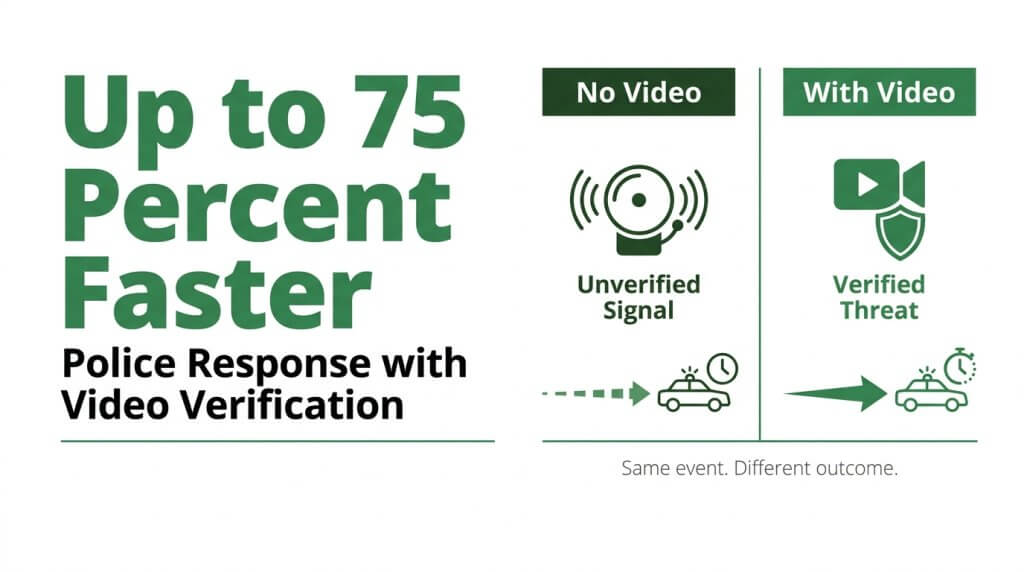
Live camera monitoring improves alarm response times by enabling real-time visual verification of threats before police dispatch. This verification eliminates delays caused by unconfirmed alarms and prioritizes genuine emergencies.
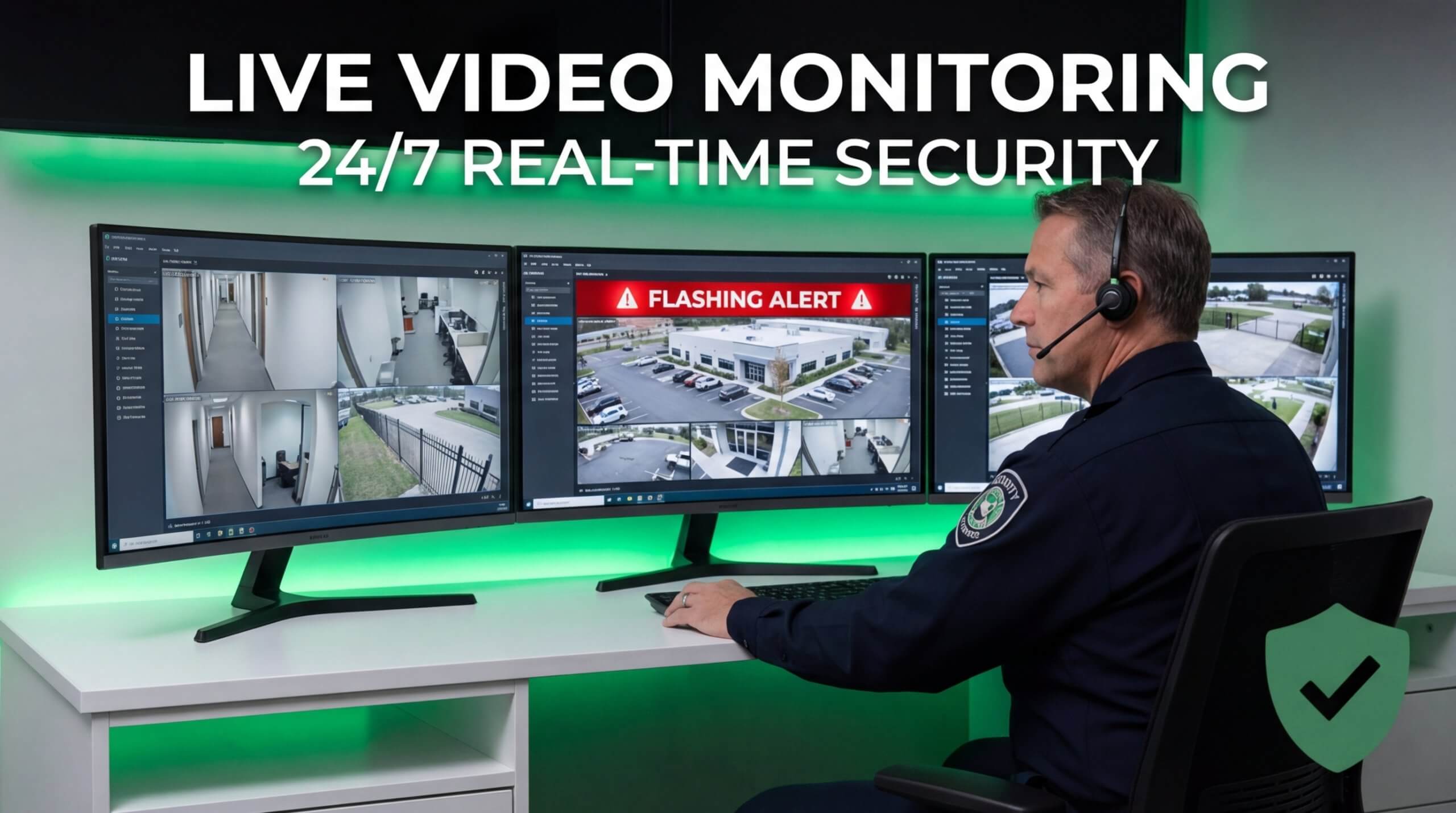
When an alarm triggers, a live camera feed allows a human operator or AI agent to confirm whether a real threat exists. Traditional unverified alarms force dispatchers to treat every signal with equal priority, even though the vast majority turn out to be false. Visual confirmation changes that equation entirely.
According to EyeQ Monitoring, verified video alarms can reduce police response times by up to 75% compared to traditional unverified alarms. This improvement stems from a straightforward principle: law enforcement agencies assign higher priority to calls backed by visual evidence of an active crime.
The integration of video and alarm monitoring also delivers several operational advantages:
- Central dispatching becomes more efficient because operators see exactly what triggered the alert.
- False positives drop significantly, freeing resources for genuine emergencies.
- Situational awareness improves since responders know the nature and location of the threat before arriving.
- Automation through AI-powered analytics accelerates the initial detection-to-verification cycle.
For property owners who have already connected cameras to their existing alarm systems, this verification capability represents the single most impactful upgrade to overall security effectiveness. A camera that simply records provides evidence after a crime; a camera paired with live monitoring and alarm integration actively shortens the window between detection and response.
Understanding how live monitoring accelerates response sets the stage for exploring how AI-powered video takes this further.
How Can AI-Powered Live Video Monitoring Enhance Your Alarm System?
AI-powered live video monitoring enhances your alarm system by adding real-time visual verification and human intervention to every triggered event. The sections below cover how Pioneer Security integrates with existing alarms and the key takeaways for connecting your system to live cameras.
Can Pioneer Security’s Live Video Guards Monitor Your Existing Alarm?
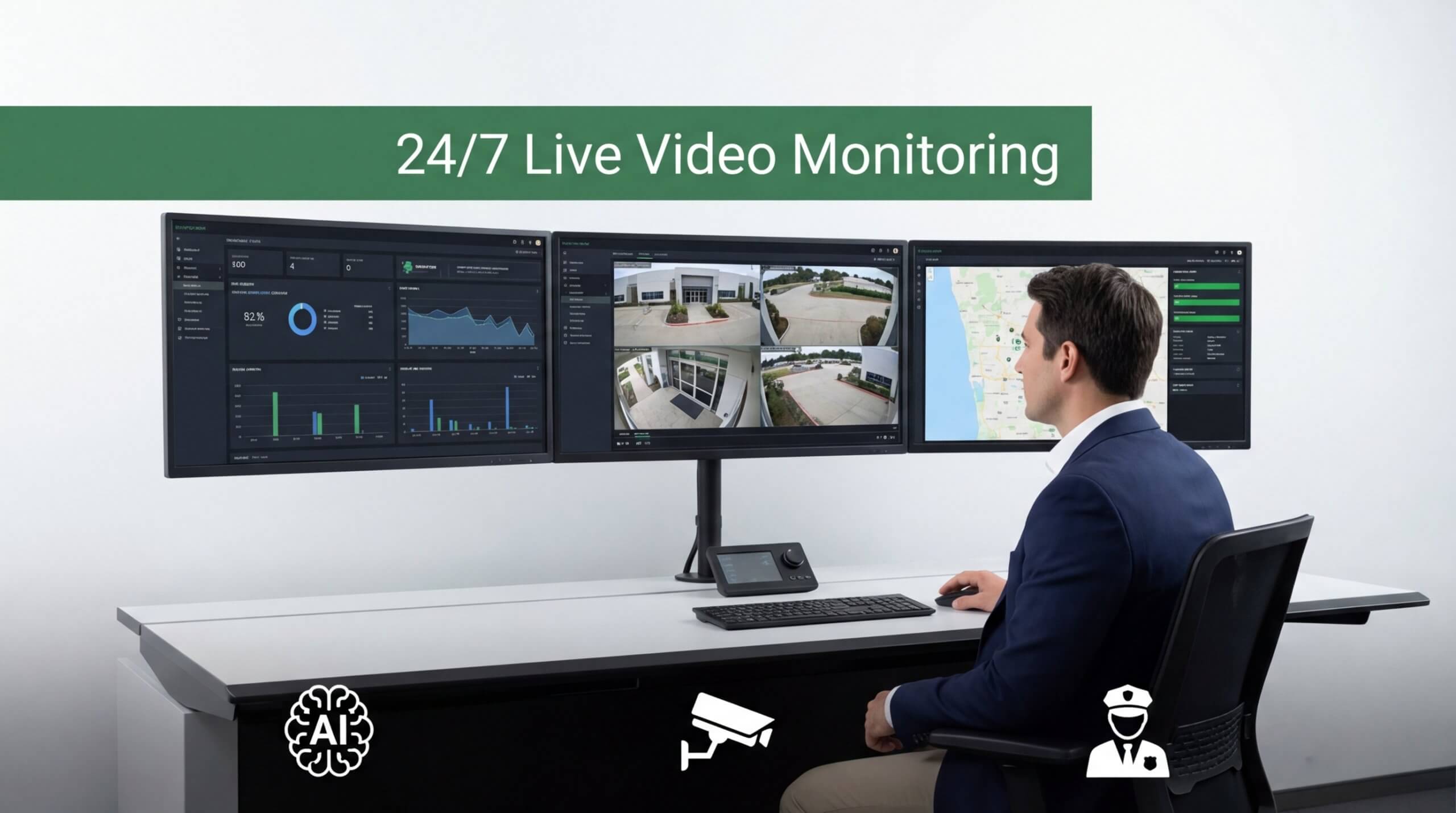
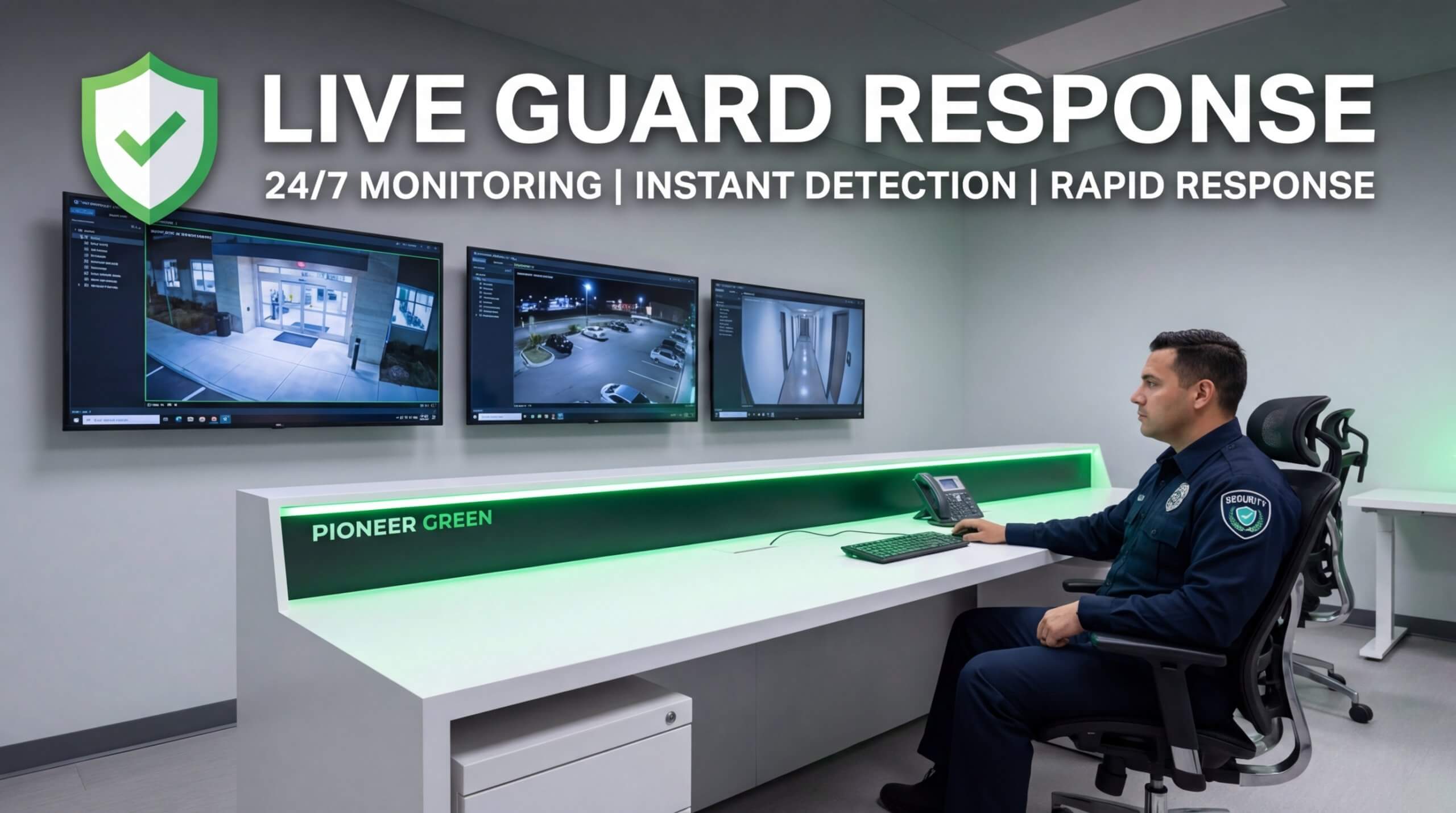
Yes, Pioneer Security’s live video guards can monitor your existing alarm. Pioneer Security specializes in AI-powered live video monitoring that pairs real-time human surveillance with camera-triggered alarm events, combining video verification, remote video monitoring, and two-way audio intervention into a single platform.
Connecting an existing alarm panel to live video typically requires a bi-directional RS-232 interface, such as the DSC IT-100, which provides real-time zone status and virtual keypad functionality for third-party systems. Pioneer Security uses US-based monitoring centers staffed with trained guards who review live feeds the moment a sensor trips, verifying threats before dispatching police.
This approach reflects the industry’s broader shift. As EyeQ Monitoring reports, law enforcement now prioritizes video-verified alarms because they provide real evidence of actual crimes rather than unconfirmed signals. Pioneer Security’s live guard monitoring turns a standard intrusion panel into a proactive security system that stops crime before it starts.
What Are the Key Takeaways About Connecting an Existing Alarm System to Live Cameras?
The key takeaways about connecting an existing alarm system to live cameras center on compatibility, verification, and professional support:
- Most alarm types, including wired, wireless, hybrid, and legacy panels, can integrate with live cameras using the right communication modules and IP-based protocols.
- Video verification transforms passive alarm signals into actionable intelligence, reducing false dispatches and accelerating police response.
- Professional installation ensures proper configuration of interfaces, network settings, and compliance with local alarm ordinances.
- AI-powered monitoring layers, like Pioneer Security’s live video guards, add real-time human judgment to every alarm event.
- Costs vary by system complexity, but remote video monitoring consistently delivers significant savings compared to traditional on-site security guards.
For property owners ready to move beyond basic alarm signals, connecting existing sensors to live cameras with professional monitoring represents one of the most effective upgrades available today. Pioneer Security can evaluate your current setup and design an integration plan tailored to your property’s needs.